Memory Cards
Products · Memory Cards
1 active deal
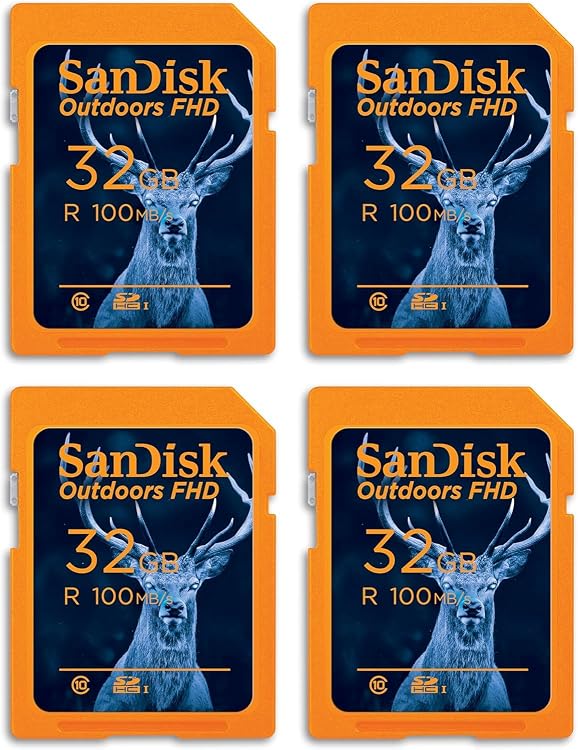
Memory cards chosen for the device and the recording task
The right memory card is one your device recognises and can write to at the required rate. Huge capacity or an impressive read-speed claim is not enough for a camera, console or recorder. Translate the symbols on the label into your actual task before making the purchase.
The device must support both format and capacity
Check the required format: SD, microSD and other card systems are not equivalent. A microSD-to-SD adapter changes the outer size but adds neither features nor guaranteed compatibility. With other formats, a similar name does not ensure identical fit or operation.
Consult the device's supported card types and maximum capacity. Physical fit does not mean that the card generation or file system is accepted. Do not exceed a documented limit in the hope that a future update will fix it.
Video depends on minimum writing performance
Read speed helps download footage, but recording needs sustained writing. Class markings, including U and V where applicable, describe minimums under their defined conditions, not a promise for every device. Follow the camera's required class for the chosen video mode.
A1 and A2 concern application-oriented performance and do not replace video classes. The device must also be able to use those features. Buying the highest of every symbol can make a card more expensive without improving your actual task.
Continuous recording or sessions you download
A security or dashboard camera repeatedly rewrites data. In that situation, check whether the card is intended for continuous recording and what usage its warranty covers. A card designed for occasional photography does not necessarily offer equivalent terms.
For important sessions, distributing files across several cards can reduce the amount lost in one failure, but requires more organisation. Decide how used cards will be identified and when their contents will be downloaded before reuse.
The reader and initial checks complete the decision
An older reader may prevent a fast card reaching its potential. Check the reader's interface and supported cards alongside the computer's port. The package's speed figures alone do not describe that complete path.
Buy with clear provenance and return terms. Before important work, back up any files elsewhere and check writing and reading across the full available capacity offline with an empty card. Reading a few files does not rule out falsified capacity; exceeding the real space may corrupt earlier data too. Keep copies and remove the card only once the device has finished writing.